How to Find the First Automation in Your Back Office
Picking the first AI automation is a scoring problem. The method we use with Canadian credit unions: where to look, how to score candidates, and the three gates before building any AI workflow.

Nelson Lee
Founding Partner at The General Consulting Company, an AI engineering practice embedded with Canadian credit unions. Previously a software engineer at Shopify, building AI systems, workflows, and automations used by millions of merchants. Computer Engineering from the University of Toronto, with a minor in Artificial Intelligence.
Picking the first automation is a scoring problem. Here is the method we use with credit unions, and the sheet that goes with it.
When a credit union asks me where to start with AI automation, the first candidate on the table is usually the thing people complain about most. Sometimes that turns out to be the right pick. More often it involves a judgment call, needs a person on every case, and produces no number a board would use to approve a second AI project.
The usual result is a demo, months later, that nobody can put a value on. Yikes.
The first AI automation at your credit union has a specific job. It needs to produce a number you can defend in front of your board. Once you have that number, the second AI project is much easier to approve, and your team has a pattern it can reuse. So the method below is built to find the process that produces that number fastest, even when it is not the largest opportunity on the list.
Start in the Back Office
I steer people toward the back office for the first project, for three reasons.
Back-office work runs on written procedures. Settlement, reconciliation, exception handling and month-end reporting all follow rules that somebody has already documented, and documented rules are what you can automate with AI. Work that depends on judgment can come later once you have a review process and a track record. It also makes change management much easier with your staff.
Back-office work also stays away from members. A reconciliation that runs at 6 a.m. never touches a member decision, so under most AI policies it sits in the lowest oversight tier and gets through approval faster than anything member-facing.
And the wins show up as hours. Hours are easy to count, and easy to attribute savings to.
I spoke recently with an engineer on a team embedded in a US community bank with roughly $2B in assets. They chose loan origination as their first project because it would produce a revenue number their investors could see. He told me that without that pressure he would have started in the back office instead. A credit union has no investors to satisfy, so it can start where the hours are, instead of trying to go for the moon on Day 1.
The processes I see most often that are great starting candidates for AI:
- Daily settlement and clearing reconciliation (ATM, POS, Interac, cheque clearing, card processor)
- GL suspense and clearing account reviews
- Exception report review (NSF, overdraft, dormant, returned items)
- Loan condition tracking, checking documents received against the conditions list
- Re-keying the same change into the core, the card processor and the digital banking platform
- Month-end reporting packs and board materials
- Regulatory filings and data calls
- Estate and deceased member processing
- Term and GIC maturity handling
Step One: Build the List
Budget two weeks and one spreadsheet, and sit with each operations team for about an hour. Skip the survey for your first AI project. Surveys return the problems people are already loud about and the best automation candidates are often work nobody thinks to complain about because it has always been done that way.
I ask three things. What do you move from one system to another? What do you check line by line? What do you re-key?
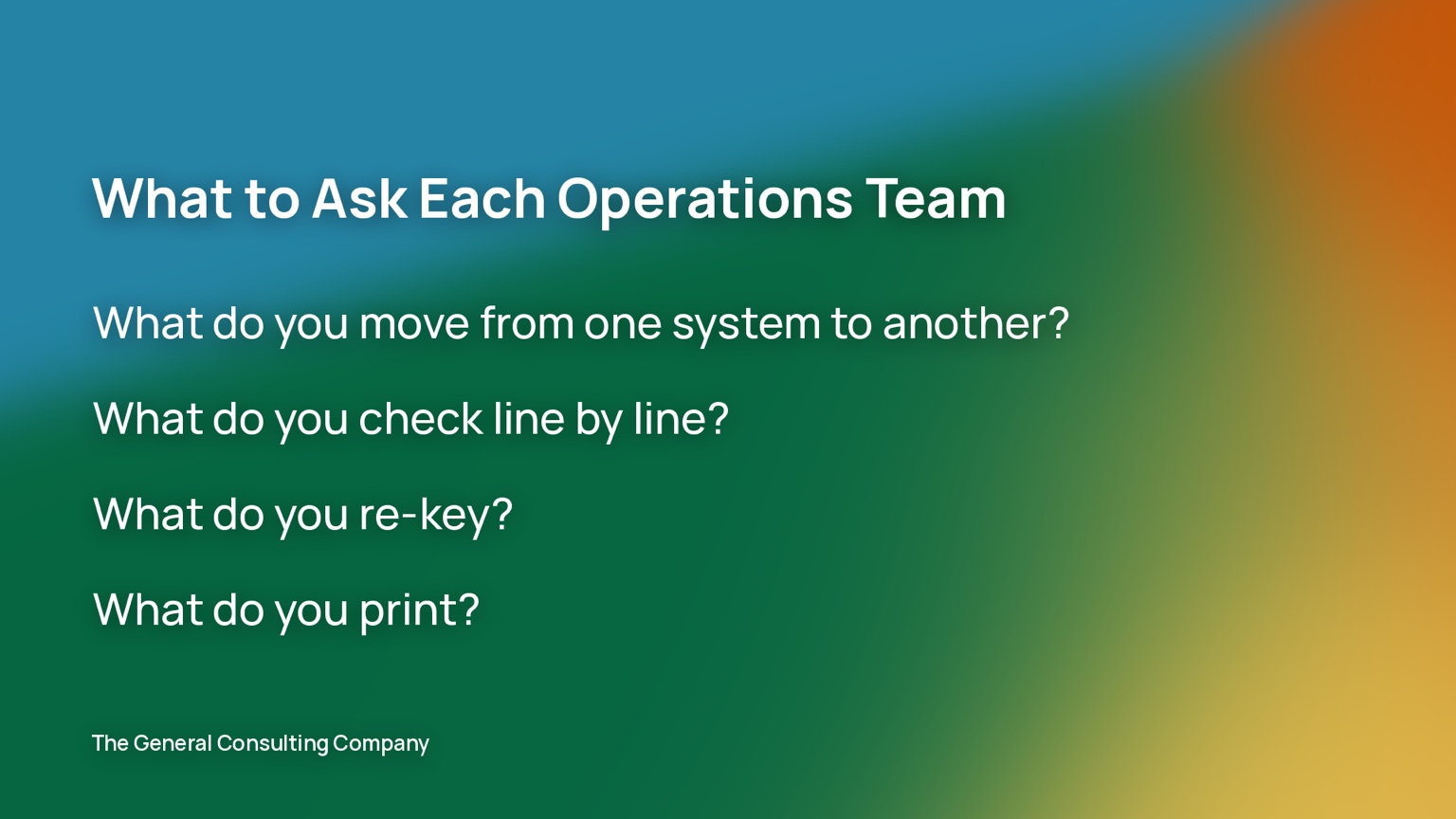
Then I ask what they print. A report that gets printed and read line by line is the best clue you will get because it means the data already exists in a system and a person is being used as the last step of the batch job.
For each process, record who does it, how many times a month it runs, how many minutes each instance takes, which systems it touches, what the input looks like (a file, a PDF, a printed report, an email, a screen), where the decision rule is written down, what happens when it goes wrong, and who would have to sign off on changing it.
You will end up with somewhere between 30 and 60 processes. Most will never be automated, and that is expected. The value of the list is that it describes the back office as a set of measurable processes, which is usually the first time anyone has seen it that way.
Step Two: Score It
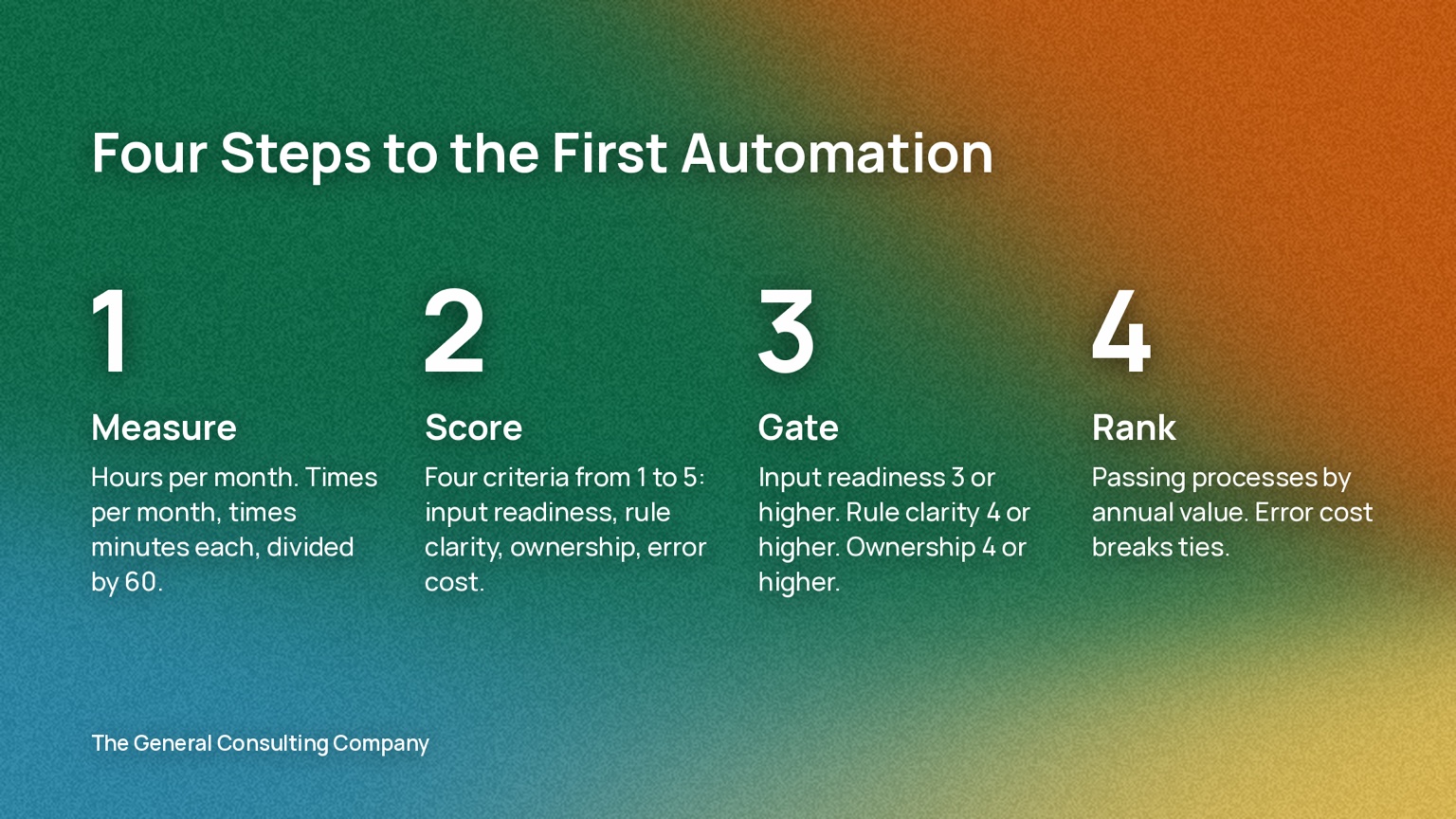
The scoring has three parts: a measurement, four scores from 1 to 5, and three pass-or-fail gates.
Measure hours per month first. Multiply instances by minutes and divide by 60. This is the capacity number. You will be defending it later, so measure it instead of guessing.
Then score four things from 1 to 5.
Input readiness. A 5 means your core already produces the input as a file, whether that is a CSV, a fixed-width extract or an API. A 3 is a PDF report or a structured email. A 1 is a screen someone reads and a phone call someone makes.
Rule clarity. A 5 means the decision is written in a procedure and two staff would make the same call every time. A 3 means there is a procedure and a lot of it depends on the case. A 1 means the rule lives in one person’s head.
Ownership. A 5 means the department head is asking for this and will sign off on the before-and-after numbers. A 3 means they would accept it. A 1 means nobody would notice if the process changed.
Error cost. A 5 means a mistake is a regulatory finding, a member loss or a write-off. A 3 means rework and an apology. A 1 means the mistake is cosmetic.
Now apply the gates. Input readiness must be 3 or higher. Rule clarity must be 4 or higher. Ownership must be 4 or higher. A process that fails any gate goes on the later list, whatever its hours.
Rank whatever passes by annual value, which is hours per month times 12 times your loaded hourly cost. Error cost breaks ties, and it also tells you how much human review to design into the build.
I use gates instead of a weighted score, because a weighted score lets a large, messy process come out on top, and that is exactly the process that turns into a six-month demo. The gates keep the first project buildable, and the ranking keeps it worth building.
The Scoring Sheet
Here is the sheet filled in with illustrative numbers. The $45 loaded hourly cost is a placeholder. Use your own based on your blended wage at your Canadian credit union.
| Process | Times/mo | Min each | Hours/mo | Input | Rules | Owner | Error | Annual value | Result |
|---|---|---|---|---|---|---|---|---|---|
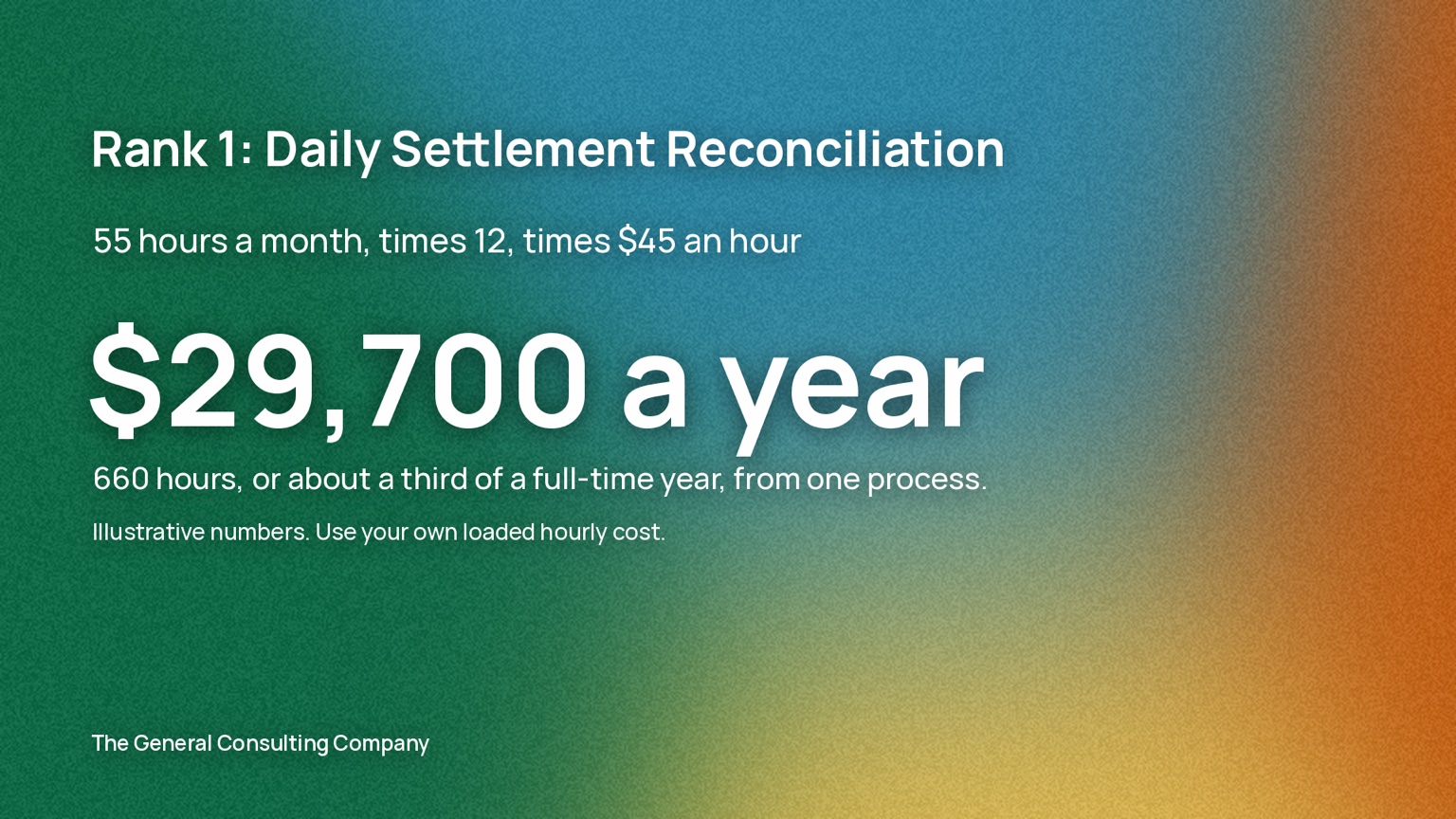
| Daily settlement reconciliation | 22 | 150 | 55 | 5 | 5 | 5 | 4 | $29,700 | Passes. First. |
| AML alert first-pass triage | 150 | 25 | 62.5 | 4 | 3 | 5 | 5 | $33,750 | Fails: rules |
| Loan condition tracking | 120 | 20 | 40 | 2 | 3 | 4 | 3 | $21,600 | Fails: input, rules |
| Address change re-keying (3 systems) | 200 | 6 | 20 | 4 | 5 | 2 | 2 | $10,800 | Fails: owner |
| GL suspense clearing | 22 | 45 | 16.5 | 5 | 4 | 4 | 3 | $8,910 | Passes. Second. |
| Month-end board pack assembly | 1 | 960 | 16 | 3 | 4 | 5 | 2 | $8,640 | Passes. Third. |
| Estate processing | 8 | 120 | 16 | 1 | 2 | 4 | 4 | $8,640 | Fails: input, rules |
| Wire verification callbacks | 60 | 15 | 15 | 2 | 5 | 3 | 5 | $8,100 | Fails: input, owner. Also a control. |
Settlement reconciliation is the pick. AML triage has the larger number, and it fails the rule-clarity gate. It is also a compliance decision, so under any reasonable AI policy a person reviews every alert regardless of what the software does. That makes it a good third or fourth project, after the review workflow and the policy tier exist, and a poor first one.
Settlement reconciliation passes every gate. The extract already exists, the procedure is written, and the operations manager wants it done. At $29,700 a year it works out to 660 hours, which is about a third of a full-time year, from a single process.
Step Three: Check It Against Your AI Policy
The AI policies we write for credit union boards do three things. They classify data by environment, they draw a line at decisions about members, and they route new tools through an approval register. Before anyone writes code, run the winning process against each of those.
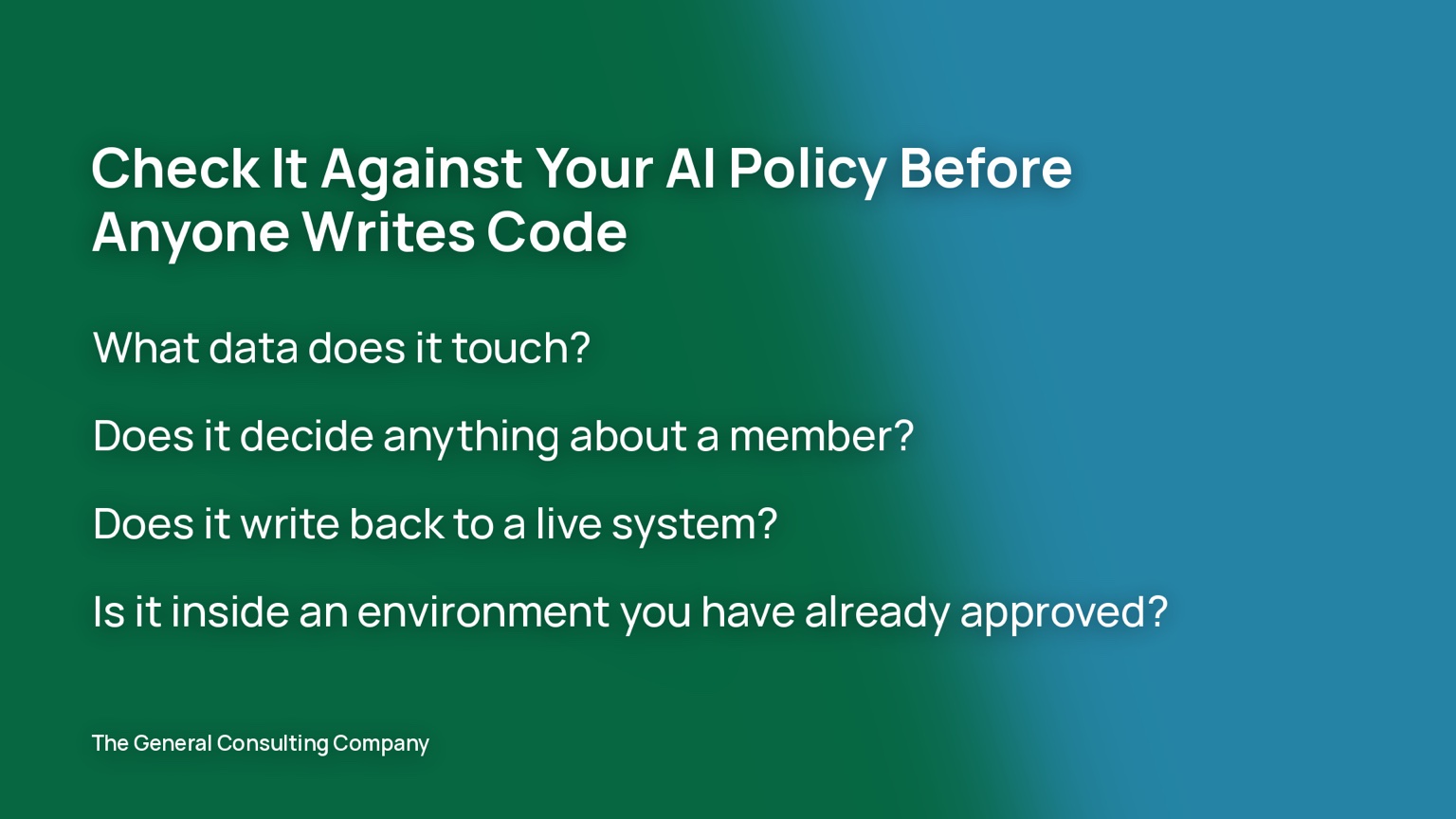
What data does it touch? A settlement extract is an internal business report, but the exception lines carry account numbers. That means the automation has to run in an approved environment and the approval needs to be recorded in the register.
Does it decide anything about a member? A reconciliation flags variances and a person clears them. Lending, fraud and compliance decisions stay with a person under every policy I have written. If the process you picked is itself a decision, build the automation to prepare the file and leave the decision to a human.
Does it write back to a live system? Reading an extract and producing an exception queue is what we would classify as a skill. Posting entries to the core is an agent, and agents carry a higher oversight tier, a rollback plan and usually a second approval. I recommend the first automation only reads.
Is it inside an environment you have already approved? If the build needs a new tool added to the register, the review adds time before anything gets built. If it runs inside something already approved, you can start much sooner.
If you do not have a policy yet, that is the first project, and this post can wait.
Step Four: Ask for the Extract
Most cores already produce the input you need. The report your team prints every morning came out of a batch job, and that batch job can usually write the same data to a file. One of the credit unions we work with runs on Fiserv DNA, and the batch runs behind its settlement and clearing reports can emit machine-readable extracts alongside the printed version. In that instance, we built on the extract from Fiserv.
Ask your core administrator for the file, not just the report. Working from a file is a much shorter build than working from a PDF, because you skip the OCR and the cleanup that comes with it. If the input your team uses is a screen, there is usually a query behind it, and you can ask for that as well.
Baseline It Before You Build
Time the current process for two weeks. Record instances, minutes, errors caught, and errors found later. Then write a one-page brief that covers:
- The process and the rule it follows
- The input (which file, from which system, arriving when)
- The output (an exception queue, a report, a flag)
- The exception path (what goes to a human, and to whom)
- The measure (hours and errors, before and after, on the same basis)
- The owner’s signature
Without a baseline, the number you report after the build is an estimate. With one, it is a measured result, and measured results are what get the second project approved.
What I Would Not Pick First
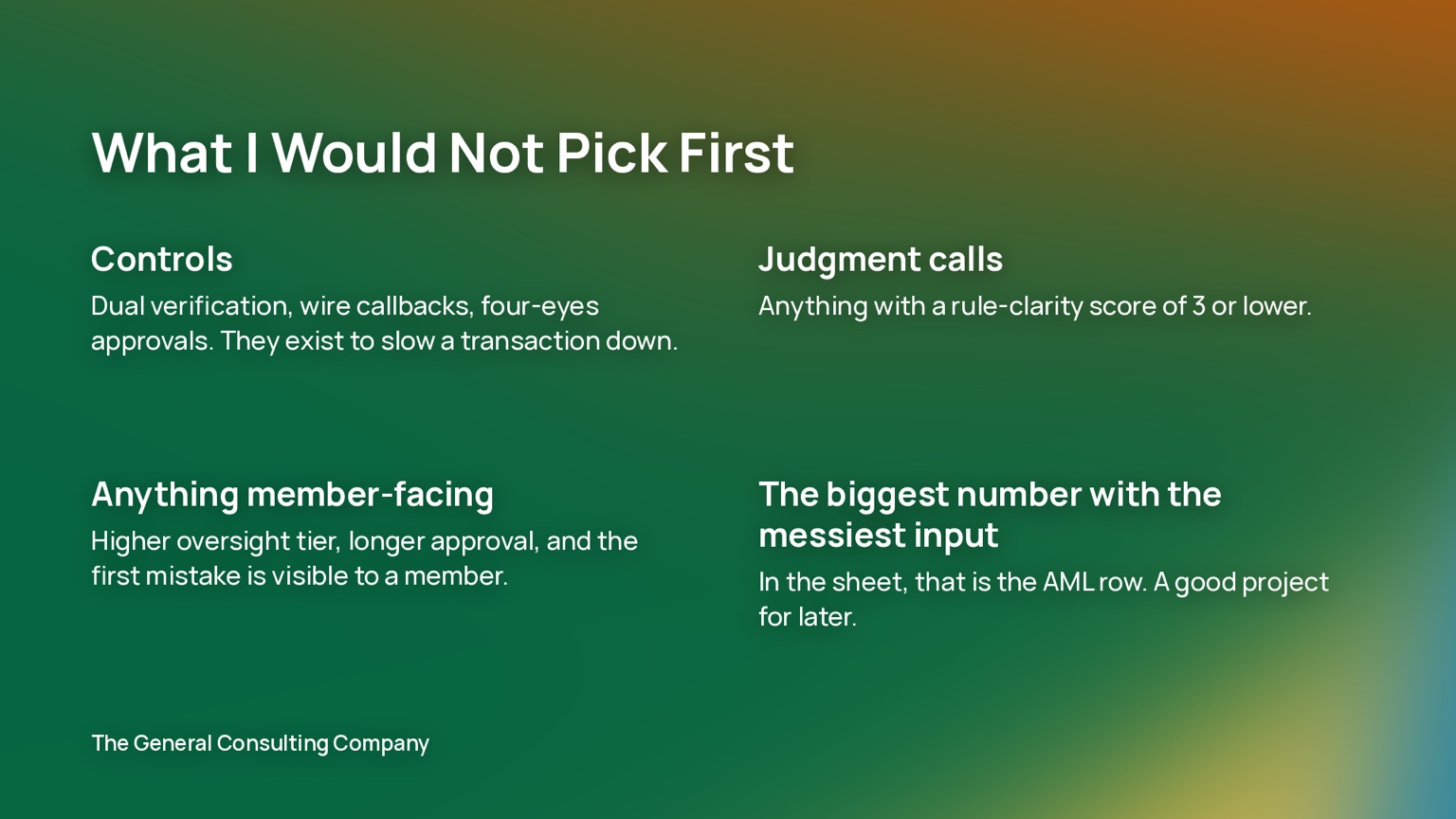
Controls. Dual verification, wire callbacks, four-eyes approvals. These exist to slow a transaction down on purpose, and automating one is a different conversation with a different risk owner.
Judgment calls. Anything that scores 3 or lower on rule clarity. The build turns into an argument about edge cases.
Anything member-facing. The oversight tier is higher, the approval takes longer, and the first mistake is visible to a member.
The largest number with the messiest input. In the sheet above that is the AML row. It is a good project for later.
What the First Project Gives You
The first project gives you a measured number for the board, a baseline, and a set of parts the next build can reuse. The second automation takes the extract parsing, the exception queue and the reporting from the first one, so it goes faster and the number is larger. By the third, your own team can usually scope the work without us.
If you would rather we ran the audit with your team, it is a two-week engagement and you keep the list either way. Book a call, or see how this fits into the back office stage of how we work.
Get the Scoring Sheet
The spreadsheet version of the scoring method above, with the gates and the annual value calculation built in, so you can see what switching to an AI workflow is worth. Fill in your own processes and loaded hourly cost.
About The General Consulting Company
The General Consulting Company is an AI engineering practice working exclusively with Canadian credit unions. We embed with your team to take you from an AI policy your board will approve through to AI systems running in production across Finance, Compliance, Wealth, and Operations.
Not sure where to start? Book a 30-minute call and we will walk through where your board is on AI, what is consuming your back office, and which stage of AI deployment makes sense first.
BOOK A CALL